
What Is 3D Architectural Visualization and Why Architects Need It
Introduction
3D architectural visualization has changed the way architects think, design, and present their ideas. Instead of relying only on flat drawings or technical plans, architects today can show realistic images that clearly represent how a building or space will look once completed. This shift has made design communication easier, client understanding stronger, and decision-making faster at every stage of a project.
In modern architecture, clarity matters as much as creativity. Clients want to see before they invest, builders want accuracy before construction begins, and architects want confidence that their vision is understood. This is where visual representation plays a powerful role. Through detailed digital models and realistic renders, ideas become visible, relatable, and easier to refine.
This article explains what this technology is, how it works, and why it has become such an important part of architectural practice today.
Understanding 3D Architectural Visualization in Simple Terms
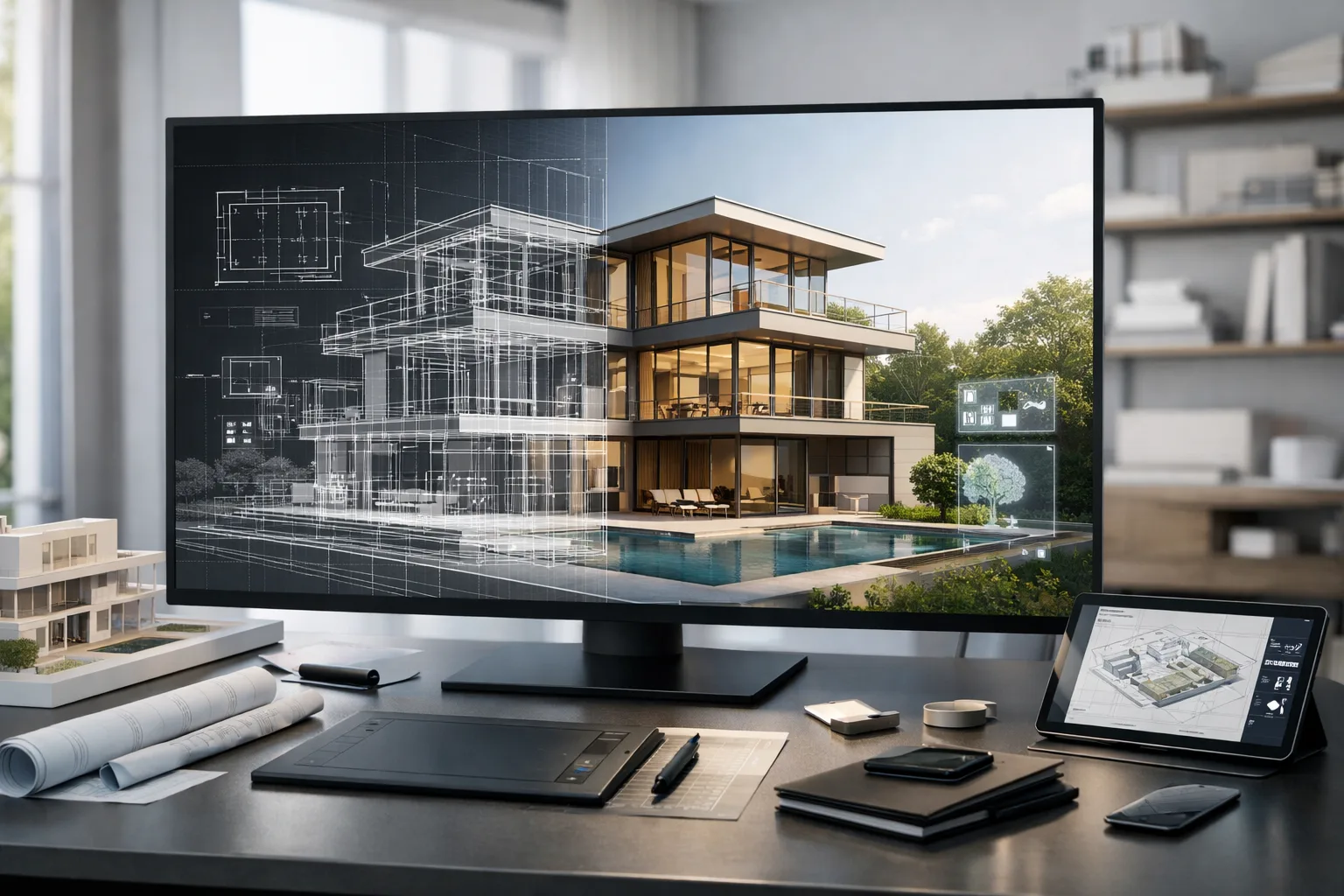
At its core, 3D architectural visualization is the process of creating realistic digital images of buildings, interiors, or landscapes before they are built. These visuals are developed using architectural drawings, floor plans, and design concepts, then transformed into three-dimensional models that reflect real-world scale, lighting, textures, and materials.
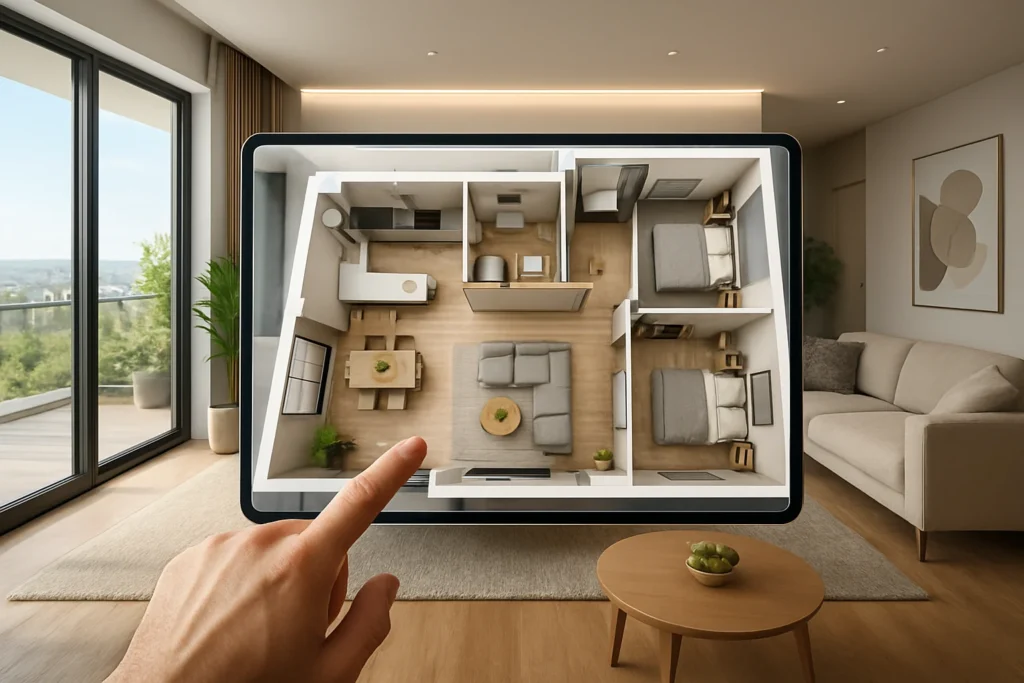
Unlike traditional 2D drawings, these visuals help viewers understand depth, proportion, and spatial relationships. A client who may not understand blueprints can instantly grasp the design when shown a realistic image or walkthrough. Walls, windows, furniture, finishes, and lighting all come together in a way that feels real.
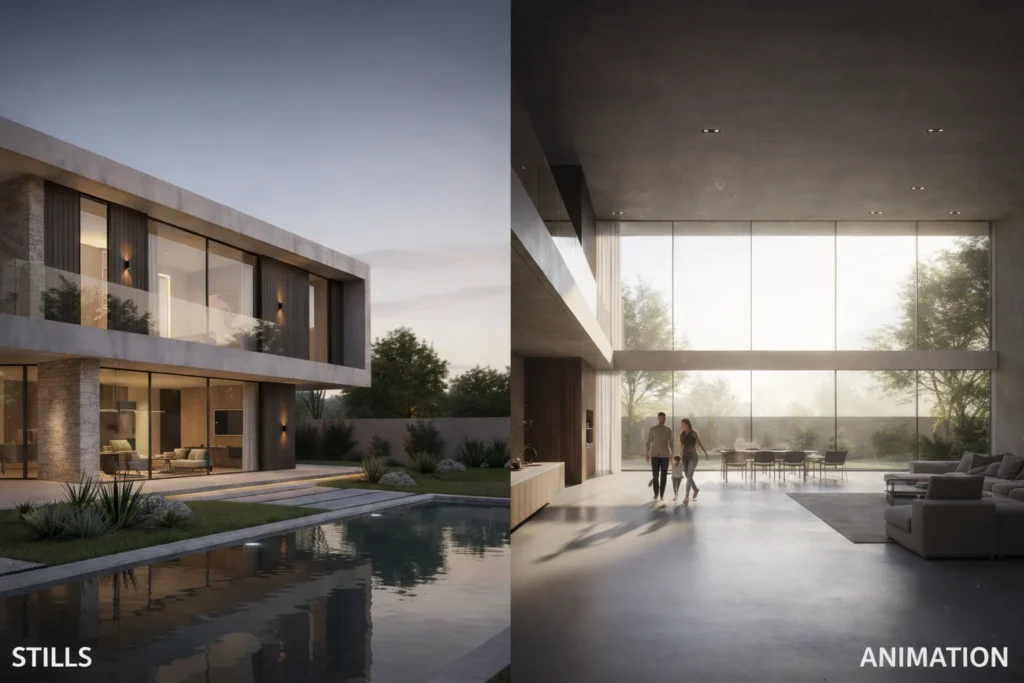
These visual outputs can include still images, interior and exterior views, animated walkthroughs, or even interactive experiences that allow viewers to explore a space digitally.
How the Visualization Process Works
The process usually begins with architectural plans, sketches, or CAD drawings. These technical files provide the foundation for building a digital model. Once the basic structure is created, details such as materials, colors, textures, furniture, and lighting are added.
Lighting plays a major role in making a scene feel realistic. Natural daylight, artificial lighting, shadows, and reflections are carefully adjusted to match real-world conditions. After this, rendering software processes the scene to produce high-quality images that closely resemble photographs.
The final result is a visual that communicates design intent clearly and accurately. Whether it’s a residential home, commercial building, or interior space, the goal is to show how everything will look and feel once completed.
Why Architects Rely on Visual Representation Today
Architecture is not just about designing structures—it is about communicating ideas. Many architectural concepts are complex, and explaining them through drawings alone can be challenging. Visual tools help bridge this gap.
One major reason architects use realistic rendering is to ensure clients fully understand the design. When clients see a lifelike image, they feel more involved in the process and more confident in their decisions. This reduces confusion, revisions, and misunderstandings later on.
Another reason is accuracy. Visual previews allow architects to spot potential issues early, such as awkward layouts, lighting problems, or material clashes. Fixing these issues during the design stage is far easier and less costly than making changes during construction.
Clear Communication with Clients
Client communication is one of the biggest challenges in architecture. Many clients are not familiar with technical drawings or architectural terms. Even well-explained plans can leave room for misinterpretation.
Realistic visuals make communication straightforward. Clients can see room sizes, furniture placement, ceiling heights, and finishes clearly. They can understand how spaces connect and how the design flows from one area to another.
This clarity builds trust. When clients feel confident about what they are getting, they are more comfortable approving designs and moving forward with the project.
Spotting Design Issues Before Construction
Design errors can be costly if discovered too late. Visualization allows architects to review their designs from multiple angles and perspectives before construction begins.
By examining realistic views, architects can identify layout problems, proportion issues, or lighting concerns early in the process. This proactive approach saves time, reduces rework, and helps avoid unexpected expenses during building.
It also allows architects to experiment with different design options. Materials, colors, and finishes can be tested visually before final decisions are made, ensuring the best possible outcome.
Faster Decisions and Smoother Approvals
Projects often involve multiple stakeholders, including clients, developers, consultants, and approval authorities. Getting everyone on the same page can be difficult.
Visual presentations help speed up approvals by clearly showing what is being proposed. Instead of long explanations, stakeholders can see the design instantly. This makes meetings more productive and decisions quicker.
For official approvals, realistic visuals can also help authorities understand the impact of a project on its surroundings. This clarity often leads to smoother approval processes.
Practical Uses in Architectural Projects
Visualization is used across many stages of architectural work. During the concept phase, it helps explore ideas and test layouts. During design development, it refines details and materials. In the final stages, it becomes a powerful presentation and marketing tool.
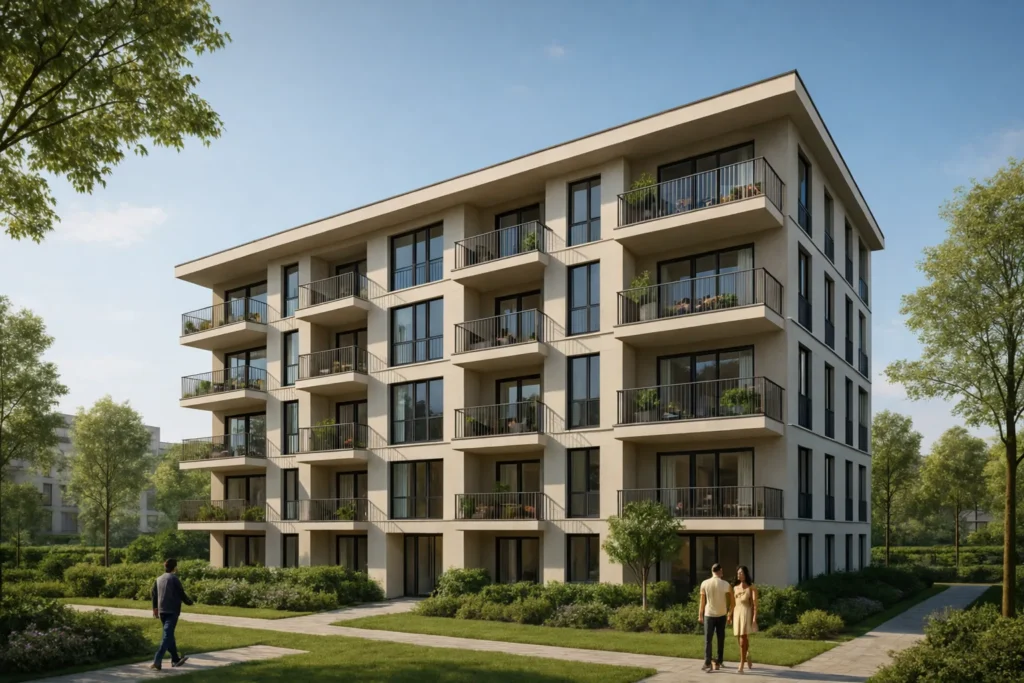
Interior visuals show how furniture, lighting, and finishes work together in a space. Exterior views present building form, façade details, and landscaping. Walkthroughs allow viewers to experience the space as if they were walking through it in real life.
These tools are valuable for residential, commercial, hospitality, and mixed-use projects alike.
Supporting Team Collaboration
Architecture is a collaborative field. Architects work closely with engineers, interior designers, contractors, and consultants. Clear visual references help everyone understand the design intent.
When all team members are looking at the same realistic visuals, coordination becomes easier. Structural elements, services, and finishes can be aligned more effectively. This reduces confusion and helps maintain consistency throughout the project.
Clear visuals also serve as a reference during construction, helping teams stay aligned with the original design vision.
Building Confidence for Clients and Investors
For clients and investors, seeing is believing. Realistic images create emotional connections to a project. A well-presented design helps clients imagine themselves in the space, making the project feel tangible and exciting.
Investors and stakeholders can better evaluate a project’s potential when they can clearly see the final outcome. This confidence often plays a key role in securing approvals, funding, or project buy-in.
Good visuals also strengthen an architect’s portfolio, showcasing design quality and attention to detail. You can explore how visualization supports architectural communication on
ArchDaily.
Clearing Common Misunderstandings
One common misconception is that visualization is only about making designs look attractive. In reality, it serves a much deeper purpose. While visual appeal is important, the primary goal is communication and clarity.
Another misunderstanding is that rendered images guarantee the final construction will look exactly the same. Visuals represent design intent, but real-world factors such as materials, lighting conditions, and site constraints can influence the final result.
Understanding these limitations helps clients and architects use visuals realistically and effectively.
The Growing Role of Digital Design Tools
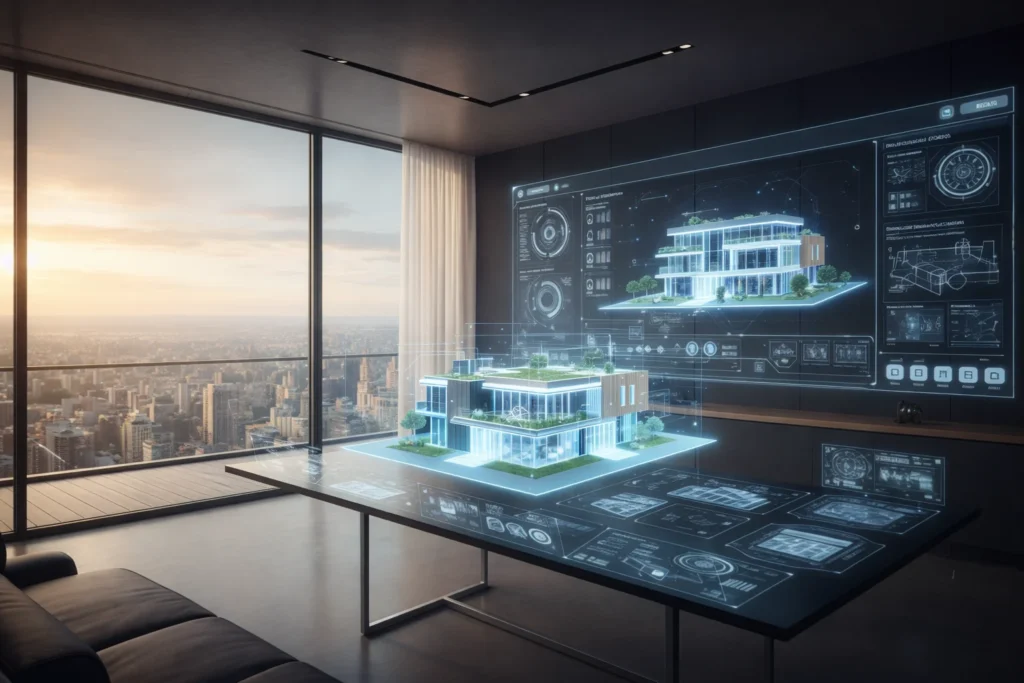
As technology evolves, visual representation continues to improve. Real-time rendering, virtual reality, and interactive models are becoming more common in architectural workflows.
These tools allow users to explore designs dynamically, adjust elements instantly, and experience spaces more immersively. While the tools may change, the core purpose remains the same: helping people understand architecture better.
Architects who adapt to these tools are better equipped to meet modern expectations and deliver clearer, more confident designs.
Why This Approach Matters in Modern Architecture
Architecture today is faster, more competitive, and more client-focused than ever. Clients expect transparency, accuracy, and involvement throughout the design process.
By using realistic visuals, architects can present ideas clearly, reduce uncertainty, and create smoother project journeys. This approach supports better planning, stronger communication, and more satisfying outcomes for everyone involved.
It also allows architects to focus more on creativity, knowing that their ideas are being understood as intended.
Conclusion
3D architectural visualization has become an essential part of how architects design and communicate today. It turns ideas into visuals that people can understand, discuss, and trust. From early concepts to final approvals, it supports clearer decisions and stronger collaboration.
As architectural projects continue to grow in complexity, the need for clear and realistic representation will only increase. Architects who embrace this approach are better prepared to meet client expectations and deliver designs that truly reflect their vision.
By making architecture visible before it is built, this method helps transform imagination into reality—clearly, confidently, and effectively.